

Understanding Dialogue State Machines
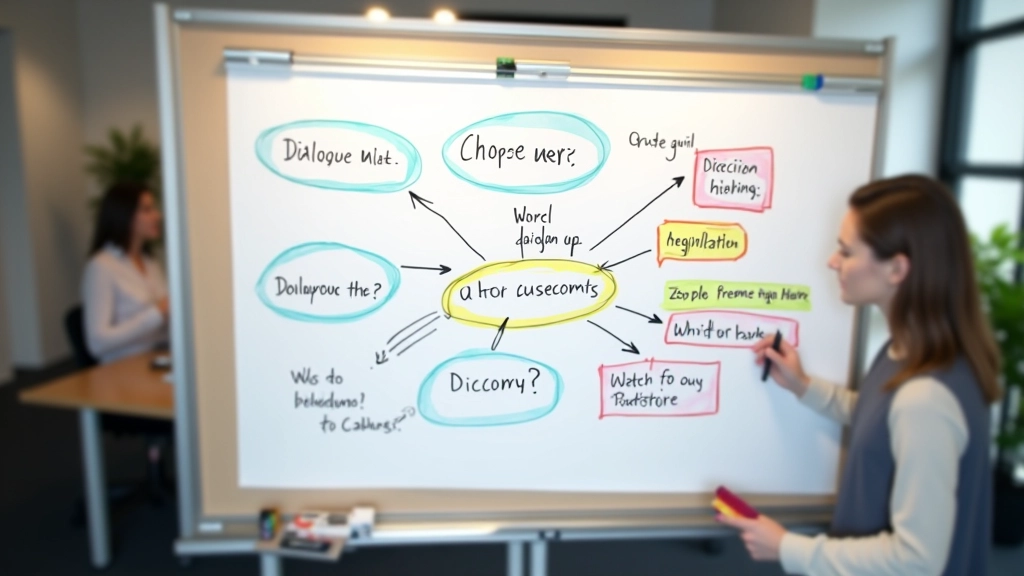
At the core of every branching dialogue system sits a state machine. It’s not as complicated as it sounds — think of it like a flowchart where each conversation node represents a state, and player choices are transitions between those states.
In Unity, you’d typically manage this with a simple script that tracks the current dialogue node. When a player selects an option, you check conditions (has the player talked to this NPC before? Do they have the required item?), update the state, and load the next dialogue. Godot works similarly with its node system.
The key insight: you’re not creating branching dialogue — you’re creating a network of nodes with conditional connections. Each node stores text, available responses, and logic for determining what comes next. It’s declarative rather than procedural. You declare what exists, and the engine handles navigation.

Practical Implementation Patterns
Most studios use one of three approaches. The first — JSON-based dialogue files — is popular because it’s readable and easy to edit without touching code. Your dialogue writer can work directly with the structure. In Unity, you’d parse these files at runtime and build your state machine from them.
The second approach uses visual node editors. Tools like Yarn Spinner (free, open-source) or proprietary editors let designers build branching narratives visually. The editor generates code or data files that your engine consumes. This works well for larger projects where you want non-programmers handling dialogue.
The third — hardcoded dialogue systems — gets criticized but honestly? For smaller games or prototypes, it’s fine. You write dialogue directly in your scripts, manage branching with if-statements, and ship. The downsides appear later when you need to make changes. But it’s fast to iterate early.
Handling State and Memory
Here’s where dialogue gets interesting. A player might make a choice in Act 1 that affects dialogue options in Act 3. You need to track that decision. Most engines use a simple variable system — flags and counters that persist across scenes.
Key Pattern: Store player choices in a dialogue manager singleton. When checking dialogue conditions, query that manager. “Show this option only if the player previously chose to help the merchant” becomes a simple boolean check.
Godot’s approach with signals makes this elegant. You emit signals when dialogue choices are made, and other systems listen for those signals. It keeps your dialogue system decoupled from the rest of your game.
The complexity grows when you have multiple characters who remember interactions. Tracking relationship points with five different NPCs across a 30-hour game gets messy fast. Most studios cap this at 10-15 variables per NPC. You’re making intentional choices about what to remember — not everything needs to be remembered.

Essential Tools and Libraries
Yarn Spinner
Open-source dialogue engine with its own language. Works with Unity and Godot. Great for visual editing without coding. Handles variables, conditions, and localization. It’s genuinely robust.
Ink (by Inklewriter)
A scripting language for interactive narrative. Powerful for complex branching logic. Used in games like Heaven’s Vault. Steep learning curve but incredible control.
Dialogue System for Unity
Commercial asset but worth it for mid-to-large projects. Built-in visual editor, robust variable system, conversation sequences, and extensive documentation. Integrates cleanly.
Custom JSON Parser
For smaller projects, rolling your own dialogue system with JSON files and a simple parser works well. You control exactly what you need. No bloat, no licensing costs.

Performance Considerations
Dialogue systems are rarely performance bottlenecks, but there are gotchas. Loading large dialogue files at runtime can cause frame hitches. Solution: load dialogue asynchronously or cache frequently-used conversations in memory.
String parsing — especially if you’re evaluating complex conditions for every dialogue option — can add up. For UI updates that happen every frame (like updating visible dialogue options based on player state), cache your conditions rather than re-evaluating.
One thing nobody talks about: dialogue can leak memory if you’re not careful with references. Keep dialogue managers lightweight and ensure they’re properly cleaned up when scenes change.
Putting It All Together
Building dialogue systems doesn’t require anything exotic. A state machine tracking current node, a condition evaluator checking player state, and a UI controller displaying options — that’s the core. Everything else is optimization and tooling.
Start simple. Use JSON files if you’re prototyping. Graduate to a visual tool when your dialogue becomes complex enough to justify it. Most projects don’t need Yarn Spinner or Ink — they’re overkill for straightforward branching. But if you’re building something with 20+ hours of narrative, they’ll save you weeks of work.
The real lesson: dialogue systems are about clarity. Make it easy for designers to see the branching structure. Make it easy for programmers to evaluate conditions. Make it easy for players to understand consequences. Everything else is implementation detail.
Technical Note: The approaches and code patterns discussed here are based on common industry practices and open-source implementations. Your specific implementation will vary based on your engine, project scope, and team constraints. Always test thoroughly with your target platform before shipping.